

 Shopee
High revenue does not always mean high profit.
Upload your Shopee reports, complete COGS, and see how much profit your sales actually generate. ShopNet turns transaction data into analysis of fees, products, refunds, affiliates, and estimated profit.
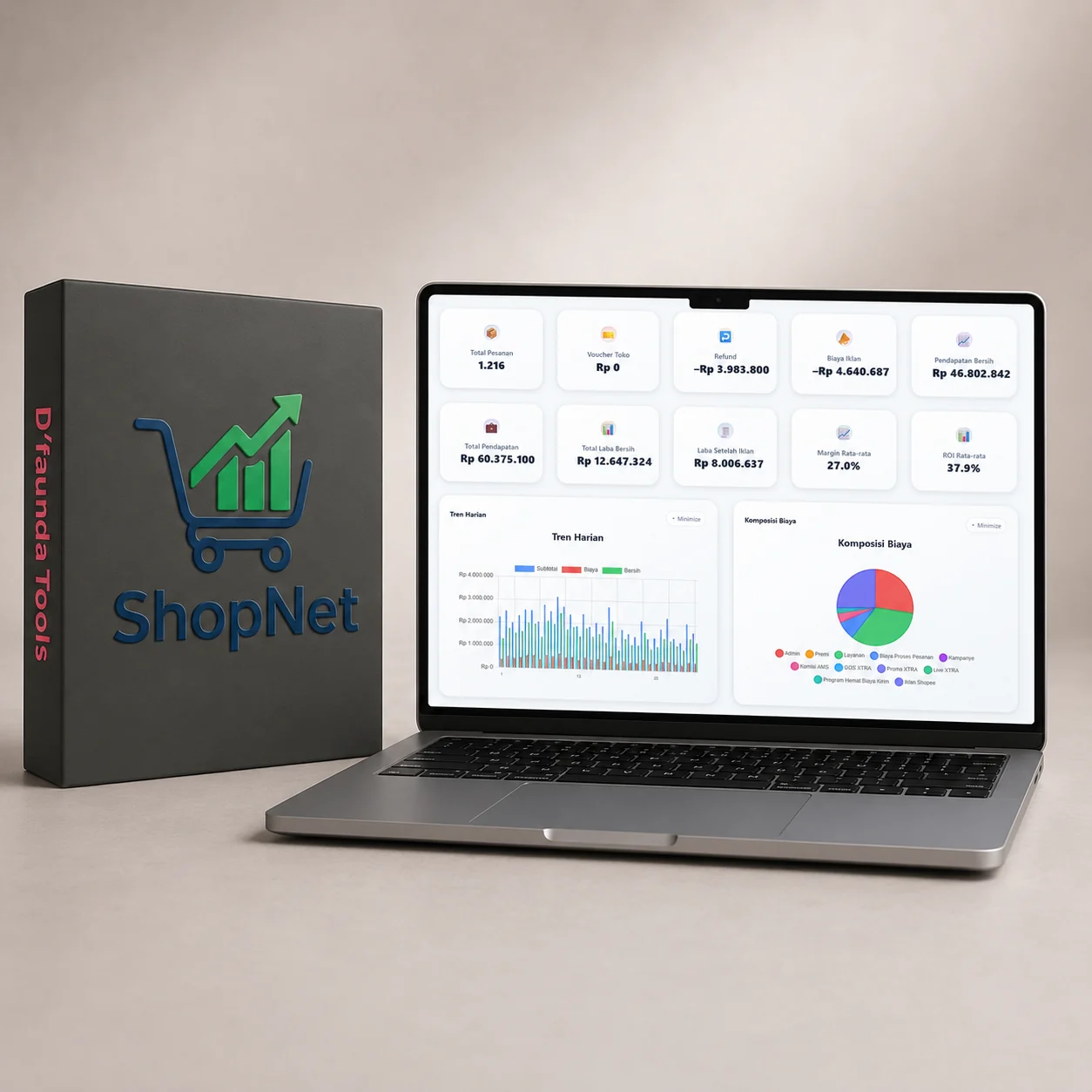 ShopNet Interface
Shopee provides plenty of data, but sellers still struggle to answer one question: am I actually profitable?
Revenue is not profit. Between the two are COGS, marketplace fees, affiliates, refunds, promotions, and products with different margins. Processing thousands of rows manually takes time and increases the risk of errors.
Revenue
The sales figure that looks impressive
Minus
COGS + fees + affiliates + refunds
Result
A more realistic profit estimate
From report files to business decisions in seven steps.
From Insight to Action
ShopNet is more than a report.
Processed data helps sellers identify why margins are falling and decide what to do next.
ShopNet is not an official Shopee application.
ShopNet does not log in to your Shopee account, request direct Seller Centre access, modify store data, or perform automatic synchronization.
Users upload report files they have downloaded themselves. Data is processed within the application so control remains with the user.
What changes after using ShopNet.
Store analytics in a clearer, easier-to-understand interface.
ShopNet InterfaceEssential features for understanding business performance more clearly.
One-time payment, lifetime license.
One license is used on one PC and can manage multiple Shopee stores on that device.
What you should know before using ShopNet.
Can I try it before buying?+
Yes. ShopNet provides a free 3-day trial. Click the trial button on this page to sign in and start testing it.
Which file formats are supported?+
ShopNet reads official sales report exports from Shopee Seller Center (.xlsx/.csv).
Is ShopNet an official Shopee application?+
No. ShopNet is an independent application from D'FaundaTools that processes report files uploaded by the user.
Does ShopNet require a Seller Centre login?+
No. ShopNet does not log in to your account, request direct access, modify store data, or automatically synchronize with Shopee.
How do I enter COGS?+
COGS can be managed manually, in bulk, or with the AI Assistant. Saved COGS can be reused for the same products.
How do I install ShopNet?+
ShopNet is available for Windows and macOS. Download the installer for your operating system, run it, then activate it with your license. Installation assistance is available through Support.
How do I update the application?+
Use the Check for Updates feature inside ShopNet to periodically check for and install the latest version.
How long is the license valid?+
The ShopNet license is lifetime with a one-time payment, not a subscription. One license is used on one PC and can manage multiple Shopee stores on that device.
Is my store data secure?+
Data is processed locally on your device. We do not store your store report data on our servers.
Is support available if I need help?+
Yes. Our team provides support through WhatsApp, with additional usage guidance available.